


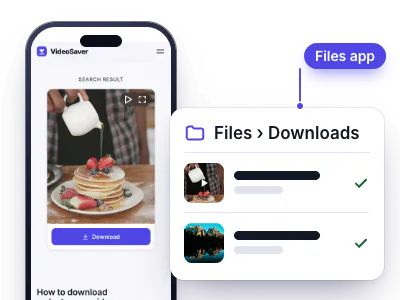
On iPhone and iPad
Safari, Apple's web browser, saves the video to the Files app, in the Downloads folder, on iPhone and on an iPad tablet alike.
Files , then Downloads
By using VideoSaver, you agree to the Terms of Service and the Privacy Policy.
Type the characters from the picture to continue. The check proves a person is asking, which keeps the downloader free and fast for everyone.
Confirm you are human to continue. It takes a second.
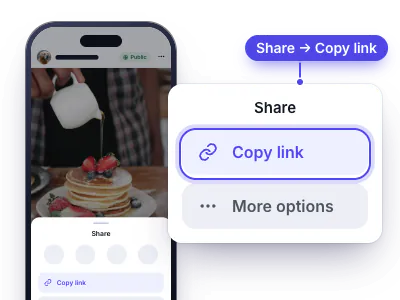
In Instagram, the Share button opens a menu with Copy link. On a computer, the address bar holds the same link.
Share , then Copy link
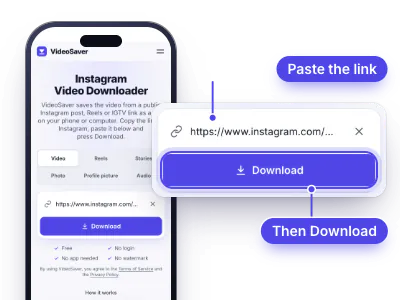
On a phone, the Paste button inserts the link and starts the search by itself. On a computer, paste the link and press Download.
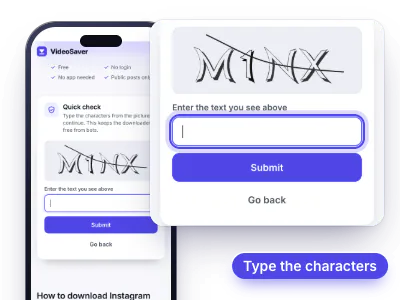
The quick check is a short code in a picture that proves a person, not a bot, is asking. It keeps automated traffic from slowing the free downloader for everyone. Type the characters once, and the search continues.
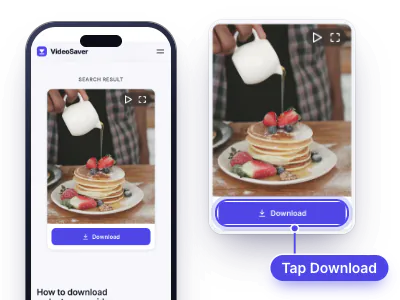
VideoSaver shows a preview, usually within a few seconds. The Download button under it saves the video, and the folder depends on the device.
A private or removed post gets a message instead of a preview. How VideoSaver works covers each step.
This page saves videos from three kinds of links: feed posts, Reels and IGTV. Photos and profile pictures have their own Instagram downloader on VideoSaver.

A feed post link (instagram.com/p/) gives an MP4 file, so a recipe or tutorial stays on your device for next time.



A carousel post holds several photos and videos under one link. The Instagram Photo Downloader saves its photos.

IGTV, short for Instagram TV, was Instagram's format for long videos. Its instagram.com/tv/ links still work here like any post link.

Instagram Reels are short vertical videos. Reels links work here too, and the Instagram Reels Downloader is the page built for them.

The Instagram Photo Downloader saves single photos and every photo of a carousel.

The Instagram Profile Picture Downloader opens the avatar of a public account. Paste a profile link here, and the form offers a button to the Profile picture tool.
VideoSaver saves public posts. It is not an Instagram viewer or account tool and never asks for your login.
Posts from a private account stay out of reach, even if you follow the account.
A deleted post leaves nothing to save, and the form says so.
VideoSaver saves the file as it is, with no trimming or cropping.
The steps to download video from Instagram are the same on every device. Only the folder changes.
Safari, Apple's web browser, saves the video to the Files app, in the Downloads folder, on iPhone and on an iPad tablet alike.
Files , then Downloads
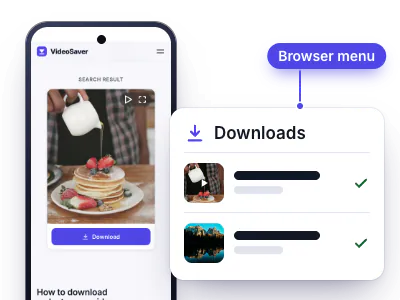
Google Chrome on Android saves the video to the Downloads folder and lists it under Downloads in its menu.
Chrome menu , then Downloads
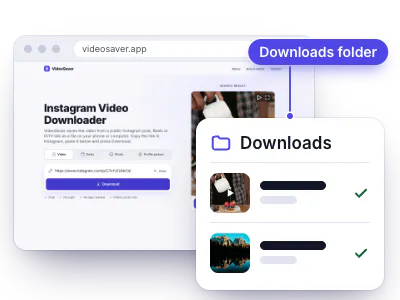
Any modern browser on Microsoft Windows or macOS works. Click Download to download Instagram video files to the Downloads folder, or to the folder your browser settings name.
Downloads folder
VideoSaver keeps the original quality of every video. The tool does not compress the MP4 file or cut its resolution, so the video arrives as the author uploaded it.
Quality starts with the upload. No downloader can go above the original, so a blurry upload stays blurry after you save it.
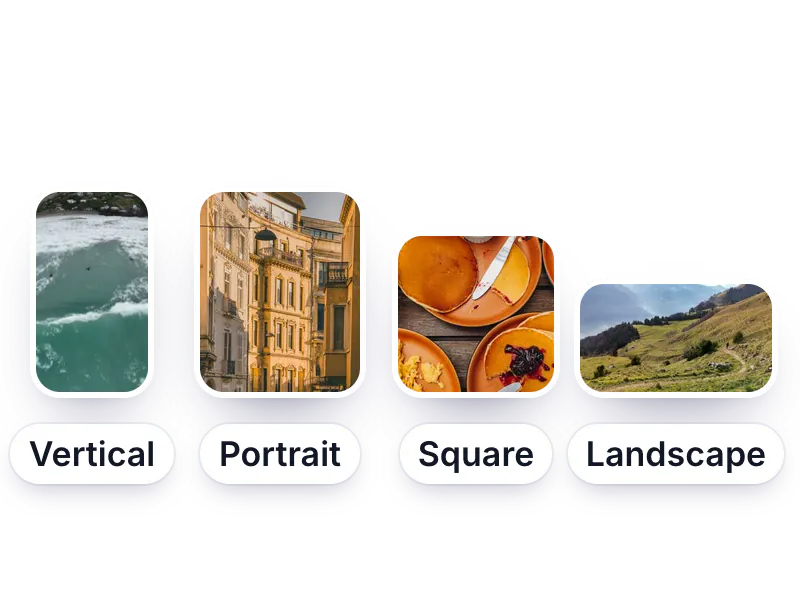
The result shows a preview in the video's own proportions, vertical for most Reels, so you can check the clip before you press Download.
Copy a link in Instagram and paste it above, no account needed.
Save your first Instagram videoA saved video plays without a connection, on a flight or with mobile data off. Save Instagram video clips on Wi-Fi, watch them later.
An online downloader runs in a browser tab, with no app and no extension that sees every page you visit.
The same steps work on iPhone, Android, Windows and Mac, on the device you watch or edit on.
Creators and social media teams keep copies of their own Reels and posts for editing, and the public link gets the file back when project files are lost. For other people's videos, read the legal part first.
VideoSaver has no paid plans, so every feature is free for every visitor.
VideoSaver sets no cap on how many videos you save, one public link after another.
VideoSaver does not compress or downscale the video. The file keeps the quality the author uploaded to Instagram.
VideoSaver adds no logo or watermark of its own to the saved video.
The author of the post gets no notification when you save the video, and VideoSaver needs no account.
VideoSaver has no sign-in form. You paste a link, not your account details.
VideoSaver is an Instagram video saver that runs in the browser of any phone or computer, with no app or extension.
For a private account or a removed post, the form shows a message instead of a dead button.
Saving a public video for personal viewing is a different act from posting it again. Instagram content belongs to its creators and is protected by copyright, so re-uploading someone else's video needs the creator's permission or a license.
In the US, fair use allows some uses without permission within narrow limits, and courts decide it case by case. Do not assume it covers your project. Instagram, the photo and video sharing service owned by Meta Platforms, sets its own rules in its Terms of Use.
VideoSaver is an independent service. It is not affiliated with, endorsed or sponsored by Instagram or Meta.
Ready? Paste the video link above.
Paste a public video linkThe VideoSaver Blog covers Instagram features, everyday tips, saving content and privacy. Every article opens with a short answer and then walks through the details step by step.
Privacy & Safety
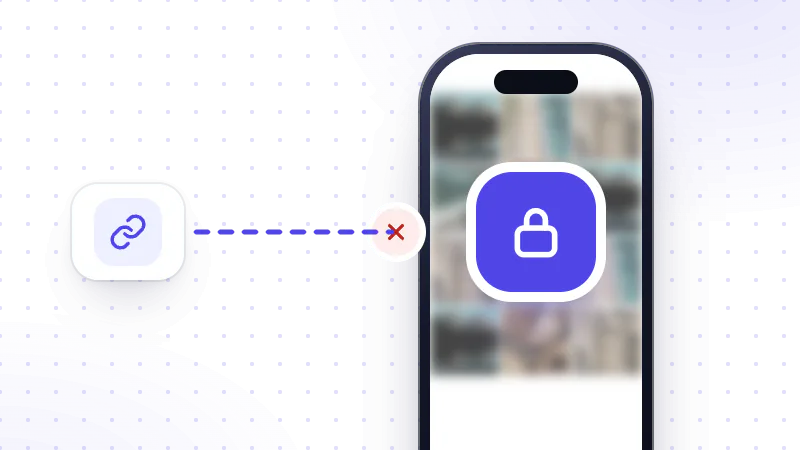
An Instagram private downloader cannot open a private account. Instagram shows those posts only to approved followers, so the real choices are a follow request, a message to the author or your own data export.
Saving & Downloading
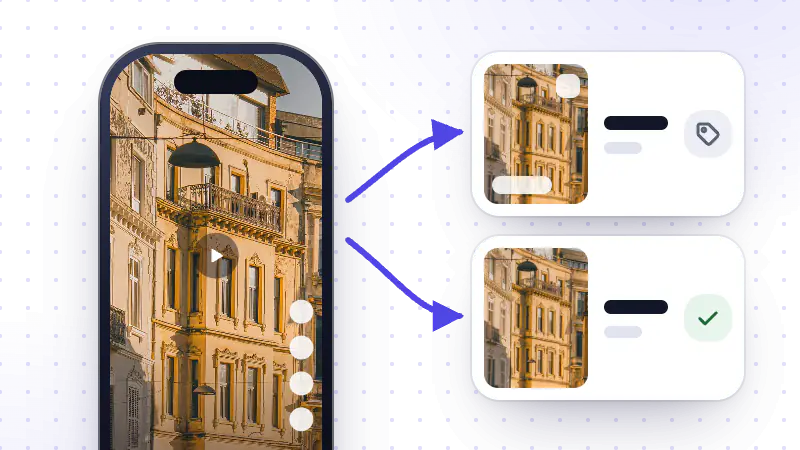
Instagram adds its watermark and the creator's username only to copies made with the in-app Download button. A link-based copy of a public Reel is the file Instagram plays in the feed, with no extra mark from VideoSaver.
Instagram Features Explained
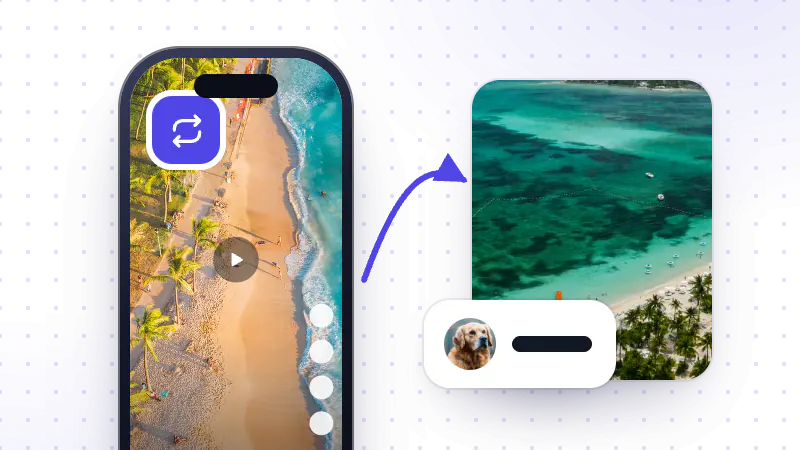
Instagram's Repost button shares a public Reel with your followers and keeps the creator credited. Posting a copy of someone else's Reel as your own needs their written permission first.
The answers below cover the questions visitors ask most often.
Still have a question? Contact us