


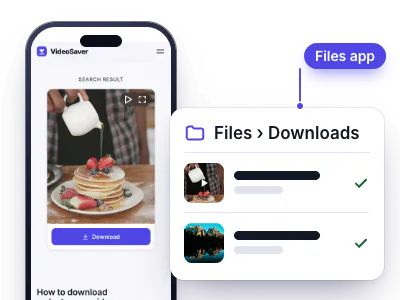
Save Reels on iPhone with Safari
Safari, Apple's web browser, puts the Reel in the Files app, in Downloads, not in Photos. Open VideoSaver in Safari and paste the Reel link. The FAQ below covers the camera roll.
Files , then Downloads
By using VideoSaver, you agree to the Terms of Service and the Privacy Policy.
Type the characters from the picture to continue. The check proves a person is asking, which keeps the downloader free and fast for everyone.
Confirm you are human to continue. It takes a second.
Instagram Reels are the short vertical videos on Instagram, Meta's photo and video app. VideoSaver turns the link of a public Reel, like instagram.com/reel/…, into a video file in your downloads. Saving one takes three actions: copy the link, paste it above, tap Download.
VideoSaver needs only the link, with no account and no payment. How VideoSaver works covers the route behind it.
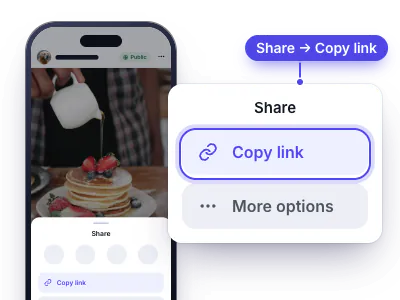
In the Instagram app, the Share button on a Reel opens a menu with Copy link. On a desktop, the browser address bar holds the same link.
Share , then Copy link
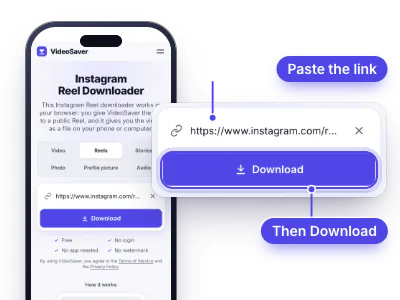
The Paste button inserts the link into the field above and, on a phone, starts the search by itself. A link that isn't a Reel gets a message pointing to the tool that fits it.
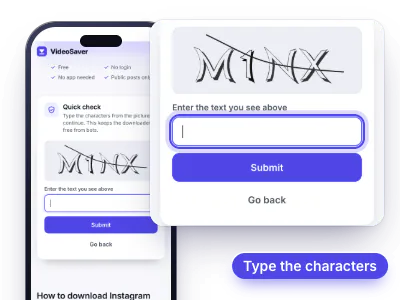
The quick check is a CAPTCHA, a short code in a picture that proves a person, not a bot, is searching. It keeps automated traffic from slowing the free downloader for everyone. Type the characters you see, and the search continues.
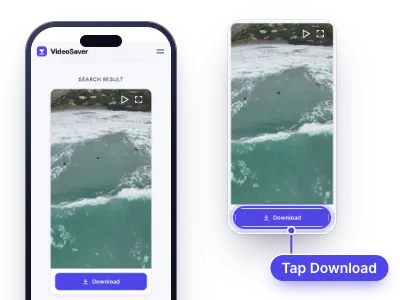
VideoSaver shows a preview in the Reel's original shape, so you can check it's the right clip. The Download button under the preview saves the video.
This Instagram Reels downloader supports one kind of link: a public Reel. Photos and profile pictures have their own tools, listed below.

A publicly posted Reel needs nothing but its link. Use VideoSaver to download Instagram Reel videos you'll want later, without digging through your feed.

Save Instagram Reels from a creator's tutorial, a brand's product demo or a friend's trip. Every public account works the same way. Respect the author and ask before you reuse what you save.

Each Reel comes down as a single MP4 file in original quality, with no watermark from VideoSaver. Playback needs no Instagram app.
Some Instagram Reels can't be saved, and the form tells you why.
If the account is private, you can't download Reels from it here, even if you follow it. VideoSaver never signs in as you, and the form says: “We can only save public posts.”
A Reel that the author deleted, or that Instagram no longer shows, gets the same message. A copy you saved before it disappeared stays on your device.
A draft has never been posted, so it has no public link. Drafts stay in the Instagram app until you publish them.
Got a Reel link? Paste it above.
Paste a Reel link and download it nowThis Instagram Reels downloader is web-based, so the steps are the same on every device. Only the place where the file lands changes.
Safari, Apple's web browser, puts the Reel in the Files app, in Downloads, not in Photos. Open VideoSaver in Safari and paste the Reel link. The FAQ below covers the camera roll.
Files , then Downloads
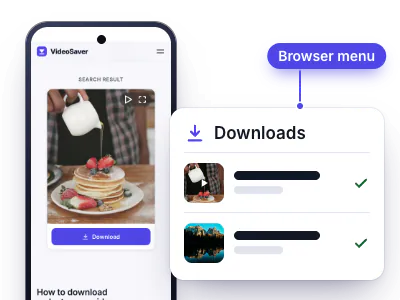
Chrome or another browser on Android, Google's mobile operating system, saves the Reel like any download. The browser's downloads list shows where the file went.
Browser menu , then Downloads
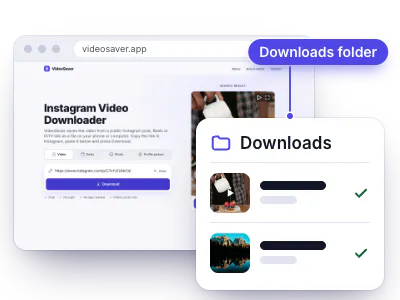
On Microsoft Windows or macOS, open the Reel on instagram.com, copy the address and paste it here. The video goes to your Downloads folder, unless the browser asks where to save it.
Downloads folder
Each Instagram Reel download gives you the MP4 file Instagram makes available for that Reel, in original quality. VideoSaver does not compress or downscale the video.
Quality can't beat what the author uploaded. A blurry upload stays blurry after you save it.
MP4 plays on almost any phone or computer, so this page also works as an Instagram Reel to MP4 saver.
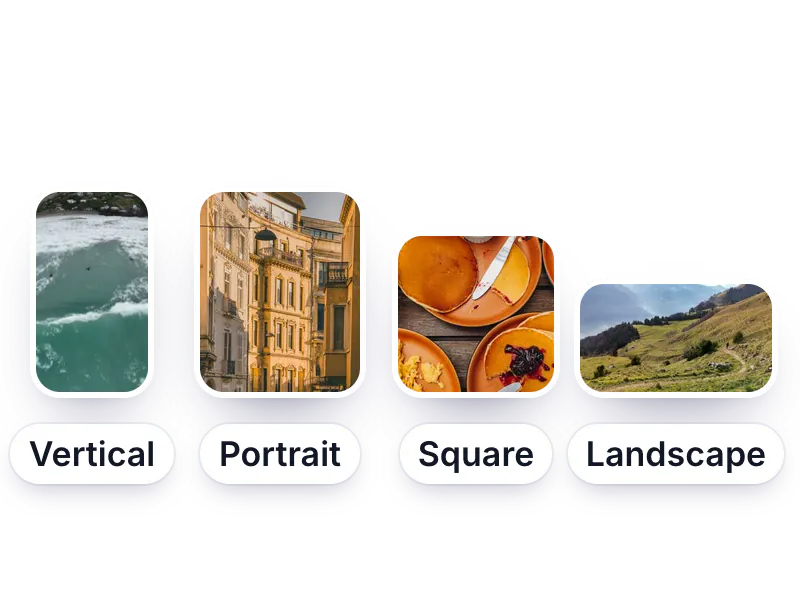
The result card shows a preview in the Reel's own shape.
Public Reel? It works.
Save a public Reel — paste the linkA saved Reel plays with no connection, on a flight or anywhere the signal drops, and offline viewing costs no extra mobile data.
Your published Reels live on Instagram's servers, not on your phone. Download Reels you posted, and the copy stays with you if you delete the post or lose the account.
A recipe or a workout is easier to follow when you can pause and replay it without the feed scrolling away. Keep them for personal use: the content belongs to its creator.
A video file can go by text or email to a relative who would never open an Instagram link. Share your own Reels freely, other people's only with the creator's permission.
Editors and creators keep folders of Reels with a cut or an opening hook worth studying. Treat them as reference, not footage to repost.
Every Instagram Reels download here is free to use, with no paid plan to upgrade to.
VideoSaver puts no cap on the number of Reels you save, one link after another.
VideoSaver does not compress or downscale a Reel. The file keeps the quality the author uploaded.
VideoSaver adds no logo or watermark of its own to the saved Reel.
The author of a Reel gets no notification when you save it, and VideoSaver needs no account.
You save Reels without giving VideoSaver your Instagram username or password.
VideoSaver is a web page, not an app or extension, and works in the browser you already use.
One tap on Paste fills the field and starts the search. No long-press, no extra tap. Getting the file usually takes a few seconds.
Also save photos or profile pictures.
Copyright in Instagram Reels belongs to the people who make them. Reposting a Reel, cutting it into your own video or using it in an ad usually needs the creator's permission, and Instagram's terms of service apply too.
In the United States, fair use allows limited use of protected work for commentary, criticism, news or teaching. Courts decide it case by case, so it is not a general right to repost. This page is not legal advice.
VideoSaver is an independent service. It is not affiliated with, endorsed or sponsored by Instagram or Meta. Rights holders can send DMCA requests under the Digital Millennium Copyright Act, and use of the site follows our terms of use.
The VideoSaver Blog covers Instagram features, everyday tips, saving content and privacy. Every article opens with a short answer and then walks through the details step by step.
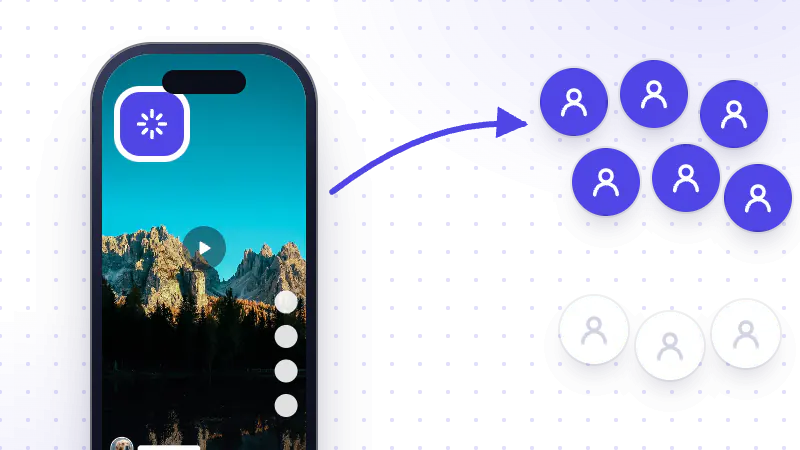
Instagram Features Explained
A trial reel is an Instagram Reel shown to non-followers first, so you see how it performs before your followers do. Here is who can post one, what happens after 24 and 72 hours, and how to use trials to test two hooks fairly.
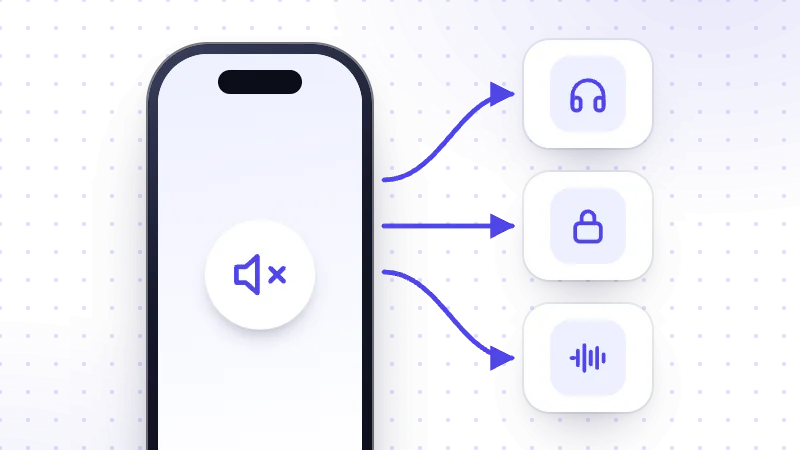
Audio & Music
Instagram sound fails in three different places: the phone during playback, the post itself and the downloaded file. Each place has its own cause and its own fix.
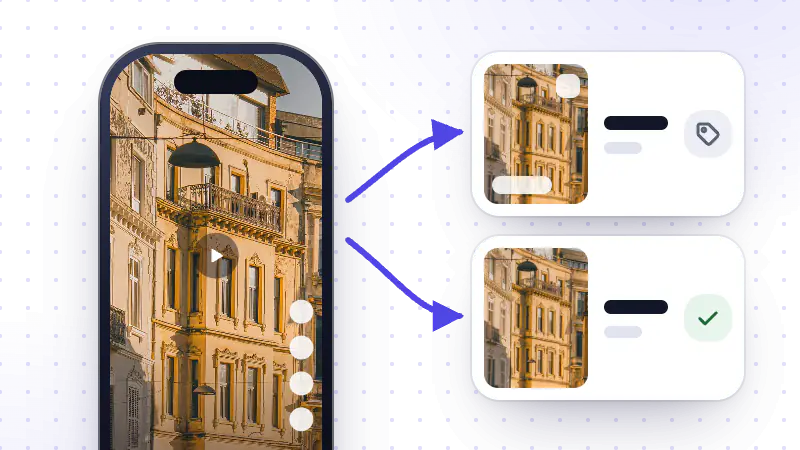
Saving & Downloading
Instagram adds its watermark and the creator's username only to copies made with the in-app Download button. A link-based copy of a public Reel is the file Instagram plays in the feed, with no extra mark from VideoSaver.
The answers below cover the questions visitors ask most often.
Still have a question? Contact us