Instagram Photo Downloader

VideoSaver is an Instagram photo downloader for public posts: paste the post link below, and each photo, every photo of a carousel included, gets its own Download button.

  • Free
  • No login
  • No app needed
  • No watermark

By using VideoSaver, you agree to the Terms of Service and the Privacy Policy.

Quick check

Type the characters from the picture to continue. The check proves a person is asking, which keeps the downloader free and fast for everyone.

Confirm you are human to continue. It takes a second.

How to download Instagram photos

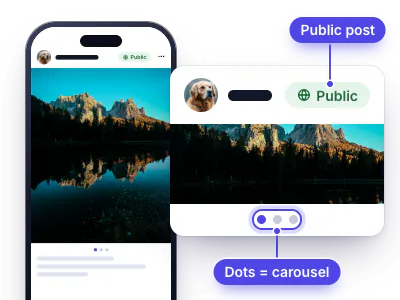
  1. An open public post on a phone, with dots under the photo that mean a carousel

    Open the post in Instagram

    Find the post in the Instagram app or on instagram.com. The post has to come from a public account. A single photo and a carousel work the same way.

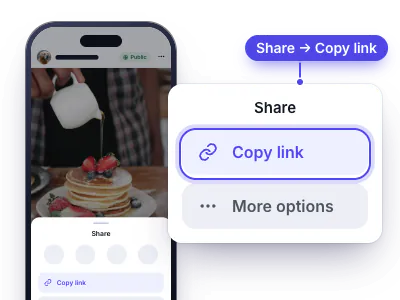
  2. A phone share menu with the Copy link option highlighted

    Copy the post link

    On a phone, the Share button under the post opens a menu with Copy link. On a computer, the post's three dots menu has the same Copy link option, and the browser address bar holds the link too.

    Share , then Copy link

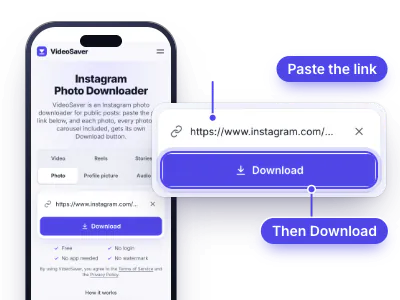
  3. The VideoSaver form with a post link pasted and the Download button marked

    Paste the link into VideoSaver

    Paste the link into the field above. On a phone, Paste starts the search by itself. On a computer, press Ctrl+V (Cmd+V on a Mac), then Download. The first request may bring up a Quick check, a short code that proves a person, not a bot, is asking.

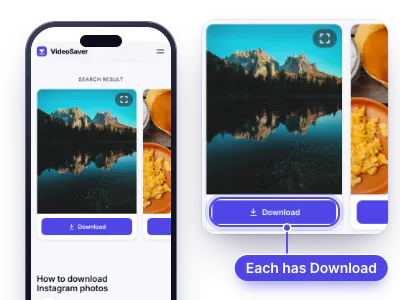
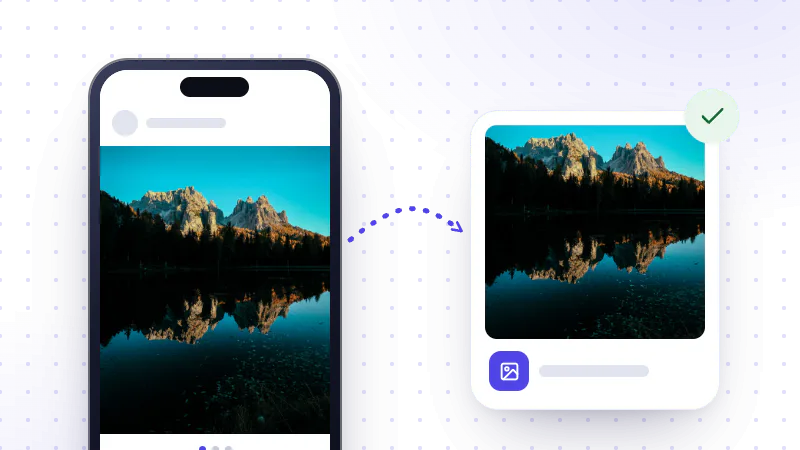
  4. Screenshot of the VideoSaver result for a carousel post: each photo has its own Download button

    Download each photo

    Each photo of the post gets its own Download button under the preview. Save all of them or only the ones you need. The browser keeps each file like any other download.

More detail on each step: how VideoSaver works.

What you can save with the Instagram photo downloader

What the photo downloader cannot save

Photo quality and file format

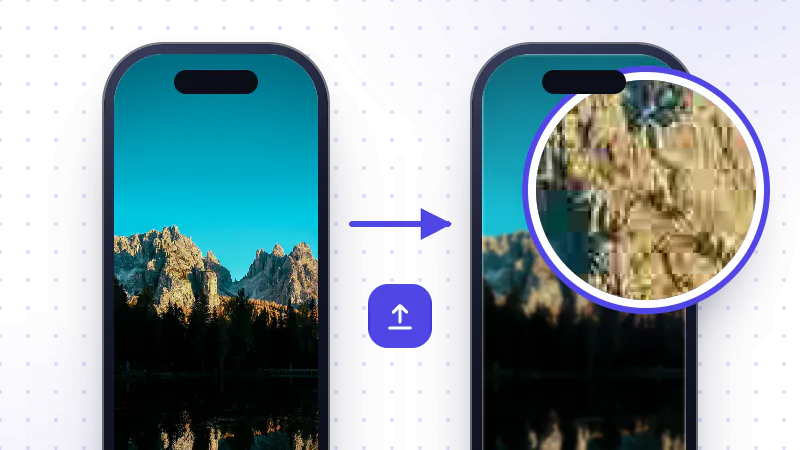
VideoSaver gives you the image file that Instagram serves for the post, in original quality. The tool does not compress, downscale or watermark the photo.

The resolution depends on what the author uploaded, and VideoSaver does not upscale it. The result card does not show the size before you save, so open the saved file to check its exact dimensions.

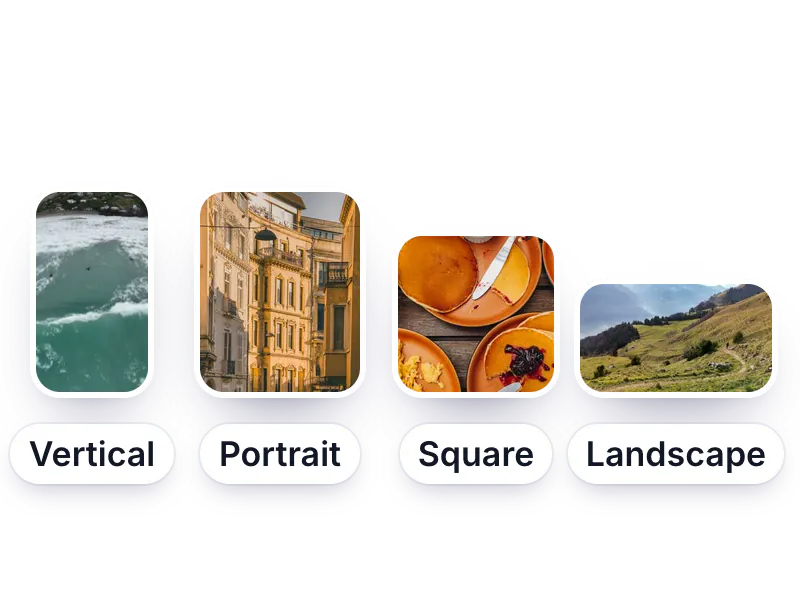
Vertical, portrait, square and landscape previews, each in its own proportions
Each Instagram photo keeps its own shape in the preview.

Paste a post link and save the photos.

Paste a link

Save Instagram photos on iPhone, Android and computer

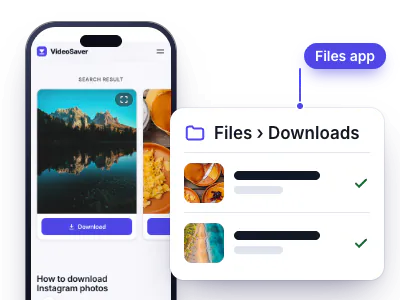
Illustration: Safari on iPhone saves the photo to Files, in Downloads

On iPhone

Safari, Apple's web browser, puts each photo in the Files app on iPhone, in the Downloads folder. Open VideoSaver in Safari, paste the link and tap Download under each photo. There is no app to get from the App Store and no Instagram sign-in.

Files , then Downloads

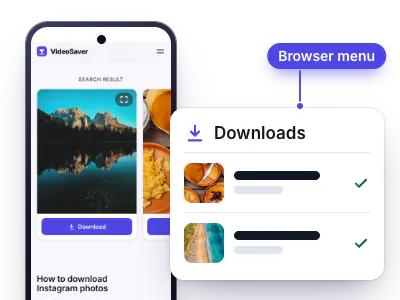
Illustration: the Android browser saves the photo and lists it under Downloads

On Android

Chrome or another Android browser saves the photo as a regular download, listed in the browser's Downloads list. Whether the photo also appears in your gallery right away depends on the phone.

Browser menu , then Downloads

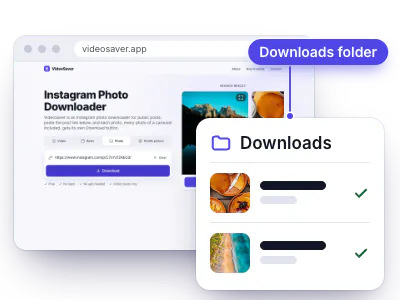
Illustration: a desktop browser saves the photo to the Downloads folder

On a computer

On a PC or Mac, paste the link into the field and click Download. The browser saves the file to your Downloads folder, unless it is set to ask where each download goes.

Downloads folder

Start an Instagram photo download from any public post link.

Paste a link

Why keep Instagram photos on your device

Why use VideoSaver to download Instagram pictures

Copied a link? Paste it above.

Download Instagram photos now

Public posts only: copy the link from an open account.

Paste a public post link

From the blog

All articles

The VideoSaver Blog covers Instagram features, everyday tips, saving content and privacy. Every article opens with a short answer and then walks through the details step by step.

Instagram photo downloader FAQ

The answers below cover the questions visitors ask most often.

What is an Instagram photo downloader?

A web tool that turns the link of a public Instagram post into image files you can keep. It is not an app and does not use your Instagram account. VideoSaver is an IG photo downloader of this kind: any public photo in a post or carousel, one Download button each.

Is VideoSaver free to use?

Yes. VideoSaver is free, with no paid tier and no features locked behind a plan. You do not sign up and do not log in to Instagram: paste the link of a public post and save the photos you want with their Download buttons.

Can I download every photo from a carousel post?

Yes, one at a time. Each photo of a public carousel gets its own Download button, so you can save every slide or only the ones you need. A carousel takes one tap per photo in the current version.

Can I save photos from a private Instagram account?

No. Only public posts and accounts open by link. If the account is private or the post was removed, the tool says so. VideoSaver never logs in to Instagram, so it sees only what a visitor without an account sees.

Does Instagram notify someone when I save their photo?

No. The author gets no notification from VideoSaver when you save a photo. The tool never logs in to Instagram, so nothing is posted, liked or followed under your name, and you stay anonymous to the account.

Where do downloaded Instagram photos go?

To the same place as any other browser download. On a computer, look in the Downloads folder. On iPhone, Safari puts the file in the Files app, in Downloads. On Android, open the browser's Downloads list. Whether the photo also shows in the gallery depends on the phone.

What resolution are the downloaded photos?

The resolution the author uploaded, as Instagram serves it for that post. VideoSaver keeps the original quality: no compression, no upscaling and no watermark. The result card does not show the size before saving, so open the saved file to see its exact dimensions.

Is VideoSaver affiliated with Instagram?

No. VideoSaver is an independent service, not affiliated with, endorsed or sponsored by Instagram or Meta. Instagram is a trademark of Meta Platforms, Inc. Use the tool for public posts, and save only content you have the right to keep.

Still have a question? Contact us