Instagram Reels vs Stories vs Posts: What's the Difference and When to Use Each
Reels are built to reach new people, Stories to talk to followers for 24 hours and posts to stay on your profile. The format you pick decides who sees it and for how long.
Short answer
Instagram Reels, Stories and posts differ in three ways: lifetime, audience and length. A Reel is a vertical video of up to 20 minutes that stays on your profile and can reach people who don't follow you. A Story disappears after 24 hours and goes mostly to followers. A post keeps photos or a carousel on your profile until you remove them.
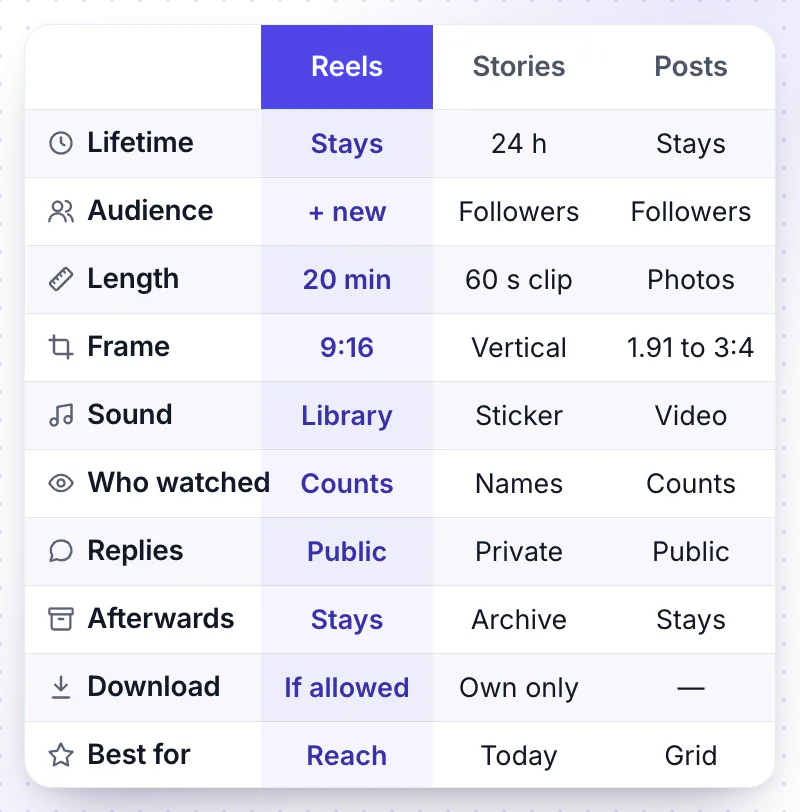
The quickest way to compare Instagram Reels vs Stories vs posts is point by point. Each row below comes from the Instagram Help Center or Instagram's own guides, linked in the sources.
| Point | Reels | Stories | Posts |
|---|---|---|---|
| Lifetime | On your profile until you archive or delete it | 24 hours, then the private archive | On your profile until you archive or delete it |
| Who sees it | Followers, and non-followers through recommendations | Mainly followers, at the top of their feed | Followers in the feed, anyone who opens your profile |
| Maximum length | 20 minutes | 60 seconds per clip, longer videos split | Video posts are shared as Reels |
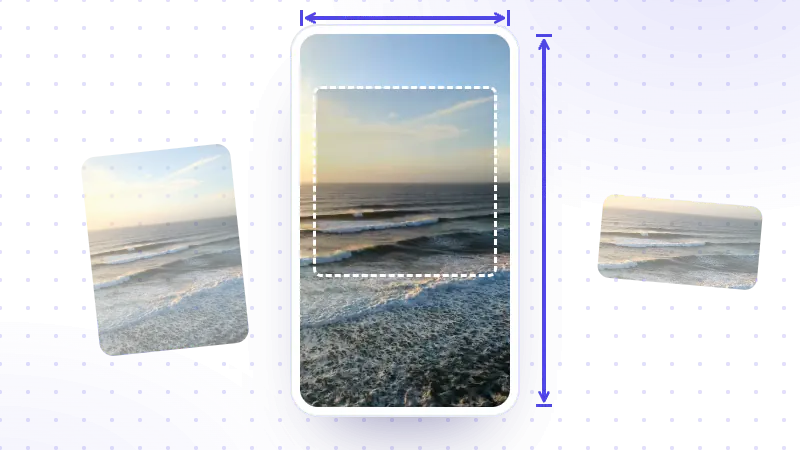
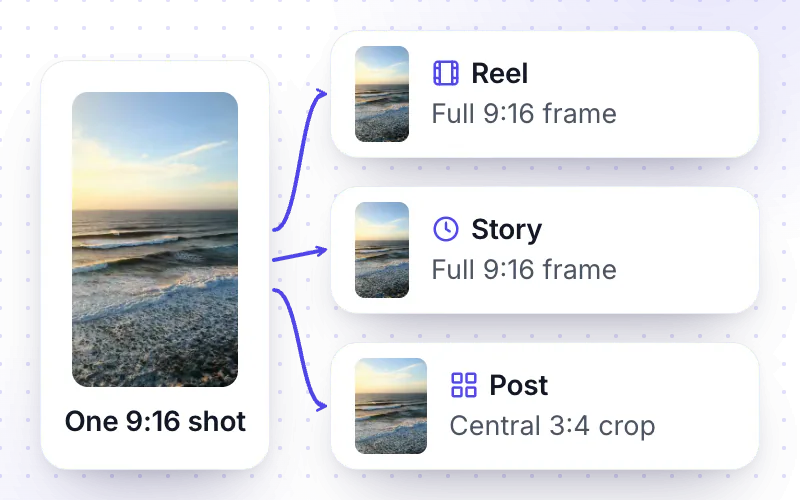
| Frame | Full-screen 9:16 | Full-screen vertical | Photos between 1.91:1 and 3:4 |
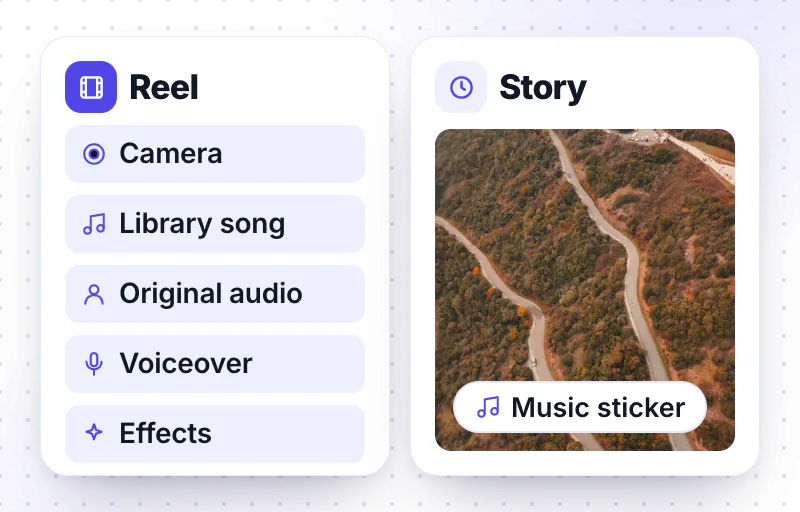
| Sound | Music library, original audio, voiceover | Music sticker and video sound | Sound of the video, if any |
| Who watched | Counts only: plays, likes, comments | Usernames of viewers for 48 hours | Counts in insights |
| Replies | Public comments | Private replies in messages | Public comments |
| After it ends | Stays | Archive or Highlights | Stays |
| Built-in download | If the creator allows, with watermark | Your own Stories from the archive | Not documented for other people's posts |
| Best for | Reaching new people | Daily updates and conversation | A lasting profile grid |
The comparison answers most "which one" questions on its own. The sections below explain the rows that change a decision.
An Instagram Reel is a vertical video, recorded or uploaded, of up to 20 minutes. Instagram's Help Center adds the condition that shapes Reels strategy: Reels over 3 minutes won't be recommended to new audiences. The full breakdown of limits is in the guide on how long Instagram Reels can be.
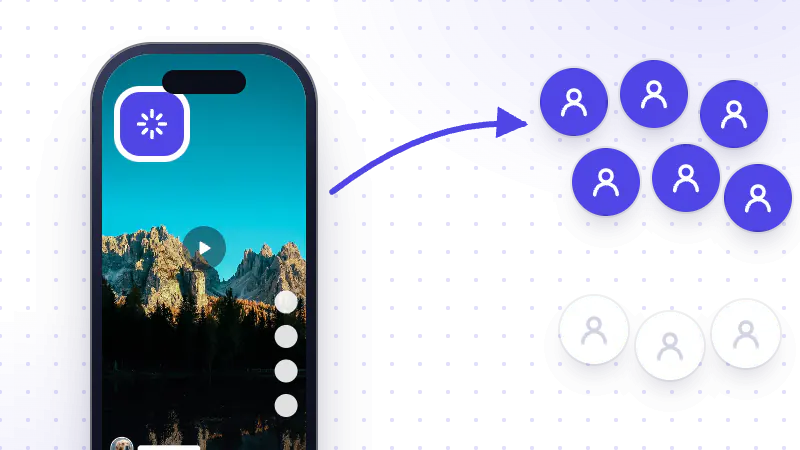
On a public account, a Reel travels far. Instagram lists the places it can appear: Feed, the Reels viewer, Explore and the audio, effect and hashtag pages. Anyone can share it, remix it, record a new Reel with its original audio and download it, unless the creator turns those options off. On a private account, only approved followers can see and share Reels.
A Reel reports its audience as numbers. Instagram's Help Center shows video plays under each Reel on your profile, counted as the times the Reel starts to play and excluding replays, along with likes, comments and reshares. No list of names comes with those numbers, which is the sharpest contrast with Stories.
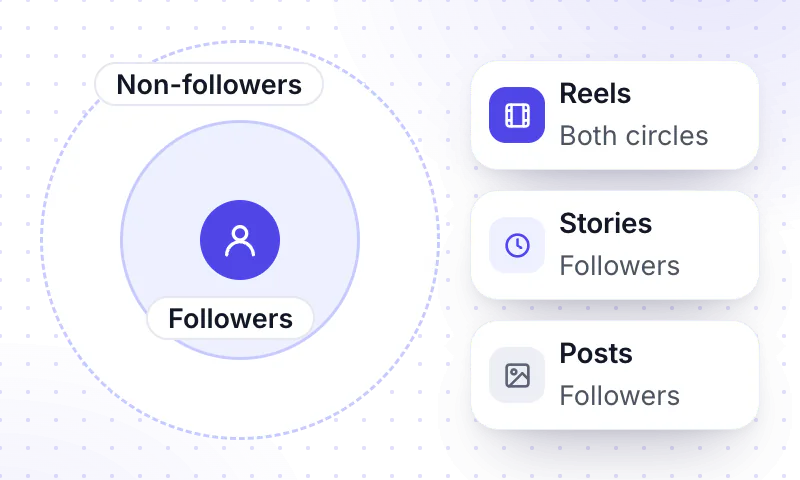
An Instagram Story is a photo or video that disappears from Feed, your profile and messages after 24 hours. Stories sit at the top of the feed inside circles around profile photos, which puts them in front of followers who check in daily. A video of up to 60 seconds plays as one Story clip, and a longer video is split into several clips.
A Story doesn't vanish completely. Instagram saves your Stories to a private Stories Archive that only you can see, unless you turn the archive off. Highlights keep chosen Stories on your profile until you remove them, which turns a 24-hour format into a permanent shelf.
Stories show who watched
Stories are the only one of the three formats with a named audience. When you swipe up on your Story, Instagram shows the number and usernames of the people who viewed each photo or video. That list stays available for 48 hours after posting, through the archive after the Story itself expires.
An Instagram post is a photo, a carousel or a video shared to your profile grid and your followers' feeds. It stays on your profile until you archive or delete it. Instagram's Help Center sets the photo rules: photos keep their original resolution up to 1080 pixels wide when the aspect ratio is between 1.91:1 and 3:4, and photos outside that range get cropped.
Video posts are no longer a separate format. Instagram announced that new video posts shorter than 15 minutes are shared as Reels, and it merged the Video and Reels tabs on profiles. In practice, the Instagram Reel vs post choice is a choice between video and photos.
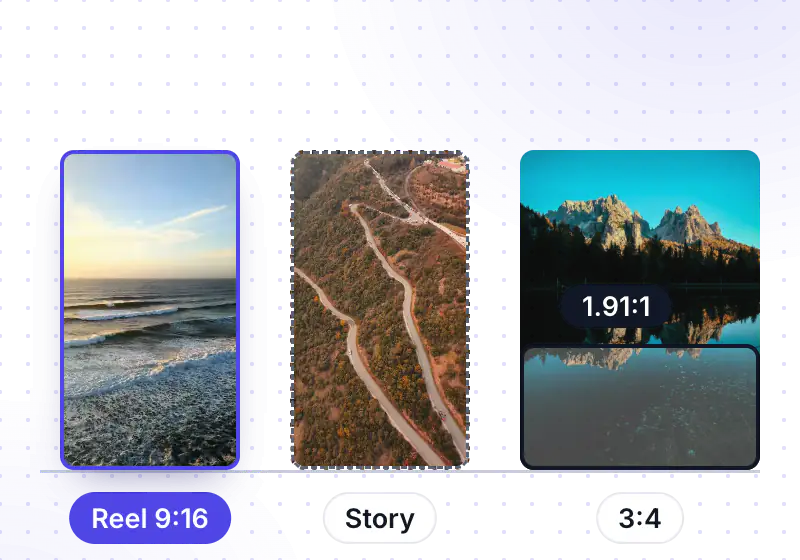
The Instagram Reel vs Story decision mostly comes down to time and reach. For a single update, the Instagram Story vs Reel question has a quick answer: if it won't matter next week, it's a Story. A Reel keeps working after you post it: it stays on your profile and, if it's 3 minutes or less on a public account, it can keep finding new viewers through recommendations. A Story works for one day and speaks to people who already follow you.
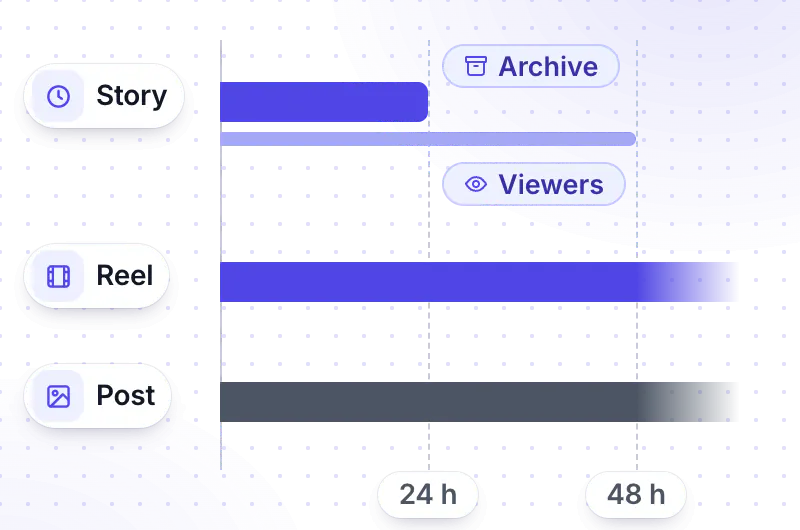
The gap in audience shapes the content itself. Reels reward ideas that make sense to a stranger in the first seconds, because many viewers won't know you. Stories reward context, such as a behind-the-scenes clip or a quick poll, because the audience already knows who you are.
Tip
Use both on the same idea. Instagram's Stories guide mentions sharing clips from your Reels to Stories, so a new Reel gets a push among followers who watch Stories every day.
A Reel and a photo post both stay on your profile, so the reel vs post Instagram choice comes down to distribution and medium. A Reel can travel to non-followers through Explore and the Reels viewer. A photo post mostly reaches followers in their feed and visitors to your profile grid.
Photo carousels still have a clear job. They hold several images in one place at full feed resolution, which suits guides, before-and-after sets and product details. When the content is motion or sound, a Reel is the format Instagram builds its discovery around.
Sound behaves differently in the two video formats, and the difference shows up later, when you save or reuse content. In Reels, sound is a building block. Instagram's Help Center describes Reels audio as a mix of camera audio, songs from the music library, original audio by other creators, voiceover and sound effects. On a public account, other people can record new Reels with your original audio, which is one way a Reel keeps spreading.
In Stories, music usually arrives as a sticker on top of a photo or video. That choice has a side effect in the archive. Instagram's Help Center explains that some archived Stories get changed to save storage: a photo Story with a music sticker keeps its place in the archive, but the sticker stops playing music. Stories made from your own videos aren't affected.
Licensed music can also go silent in either format. Instagram notes that tracks may become muted when its agreements with rights holders change, although the post itself stays visible. For content where the song carries the message, captions that name the track keep the context even if the audio disappears.
Stories carry interactive tools that Reels and posts don't have in the same form. Instagram's guide to Stories lists the sticker tray as the place where Stories "come alive", and several stickers change what a Story can do:
- Poll and quiz stickers. A poll asks a question with two answers, and a quiz offers four choices with one correct answer.
- Questions sticker. Followers type a reply that reaches you privately, which turns a Story into a small conversation.
- Link sticker. Anyone watching can tap it to open a website, a product page or an article outside Instagram.
- Countdown sticker. It counts down to an event, such as a launch or a live session.
- Music sticker. It adds a song with album art or lyrics to a photo or video.
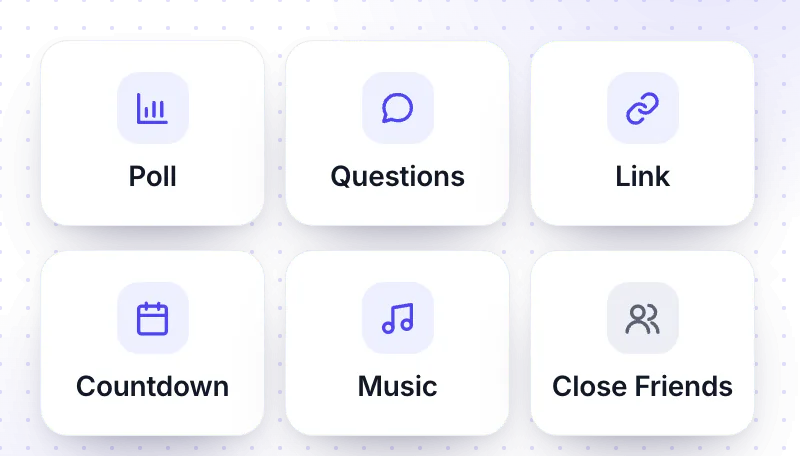
Stories also offer two audience controls that Reels lack. A Close Friends Story goes only to the people on your Close Friends list, and Instagram's scheduling lets you plan a Story for a set date and time. These tools make Stories the natural place for time-sensitive offers, quick feedback and behind-the-scenes moments.
A single launch shows how the formats divide the work. Picture a small bakery adding a new pastry to its menu. A reel vs story Instagram plan for that week can use all three formats without repeating itself:
- Reel: a 45-second clip of the pastry being made, built to reach people nearby who don't follow the bakery yet.
- Stories: a countdown sticker to launch day, a poll on the filling, and a link sticker to the order page on the day itself.
- Post: a carousel with three photos and the price in the caption, so the pastry stays on the profile grid after the Stories expire.
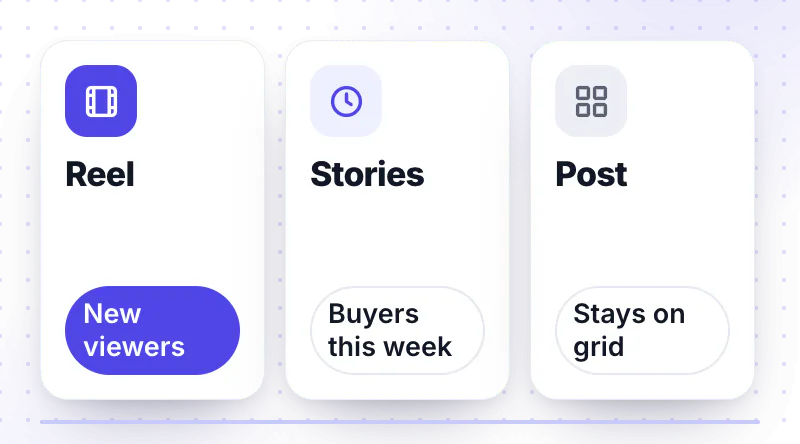
The Reel brings new viewers, the Stories turn followers into buyers this week, and the post keeps the information findable for months.
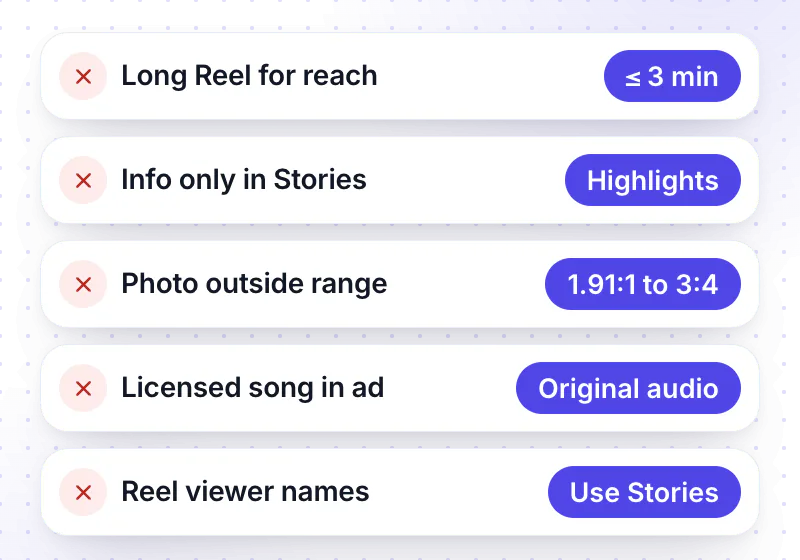
Most format mistakes come from expecting one format to behave like another. These five show up most often:
- A long Reel expected to reach new people. Reels over 3 minutes aren't recommended to new audiences, so a 6-minute Reel mostly reaches followers.
- Evergreen information only in Stories. Opening hours or a price list in a Story vanish after 24 hours unless you add them to Highlights.
- Photos cropped by the upload. Photos outside the 1.91:1 to 3:4 range get cropped to fit, which can cut text at the edges.
- A Reel with a licensed song planned as an ad. Boosted Reels can't use licensed music and must stay at 90 seconds or less.
- Waiting for a list of Reel viewers. Reels show counts only, so use Stories when you need to know who exactly watched.
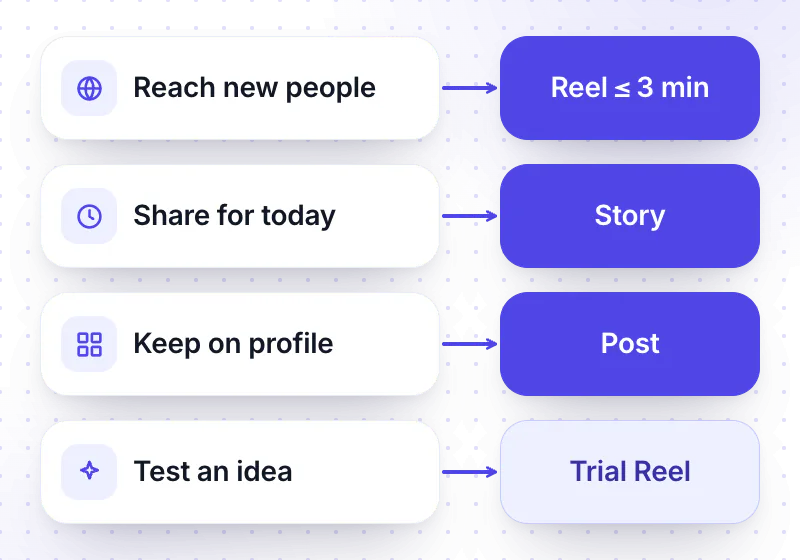
Pick the format by what the content needs to do. The four common goals map neatly to the three formats and one testing tool:
- Reach people who don't follow you: a Reel of 3 minutes or less.
- Share something for today: a Story, moved to Highlights if it should stay.
- Keep an image on your profile: a photo post or a carousel.
- Test an idea on non-followers first: a trial Reel, explained in the guide to Instagram trial Reels.
For the vertical frame itself, the guide to Instagram Reel size covers dimensions, covers and the safe zones that keep text clear of the interface.
Each format leaves a different trail, so saving works differently for each one. Most comparisons of Reels and Stories skip this part, yet it decides if a copy can be kept at all. The story vs reel Instagram comparison looks different once saving enters it: a Reel can wait, a Story can't.
| Format | Your own | Someone else's, public account |
|---|---|---|
| Reel | Download in the app | In-app Download if allowed, or the Reels downloader |
| Story | Save photo or video from the Stories Archive | Story downloader, within 24 hours |
| Post | Your own original file | Photo downloader for single photos and carousels |
Instagram's own Download for Reels exists only when the creator allows it, and the copy carries an Instagram watermark and the creator's username. The guide to saving Instagram Reels to your camera roll compares the in-app button, screen recording and a link downloader.
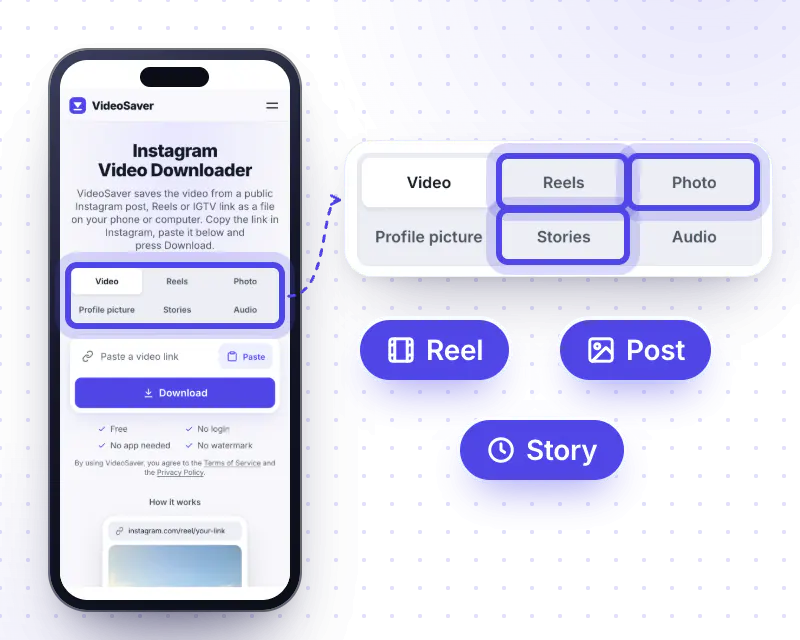
VideoSaver covers all three formats from a public link or username, without an Instagram login. The Instagram Reels downloader saves a Reel as an MP4 file. The Instagram photo downloader saves every photo of a public post or carousel. The Story downloader lists the active Stories of a public account, and the account owner won't see you in the viewers list.
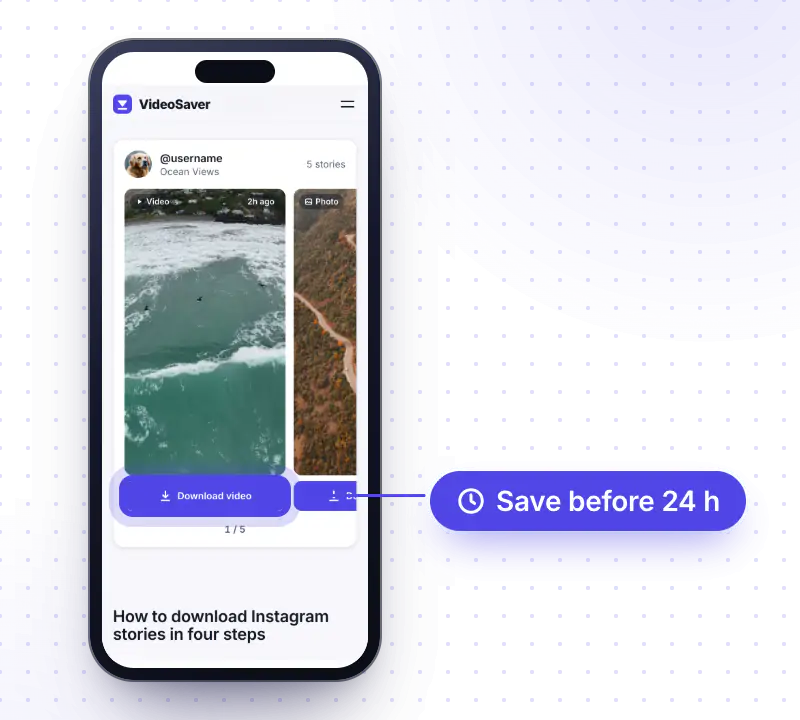
Note
Stories expire after 24 hours for everyone, including downloaders. Once a Story leaves the account, only its owner can reach it in the archive.
Frequently asked questions
Short answers to the questions readers ask most about this topic.
What is the difference between a Reel and a Story on Instagram?
A Reel is a vertical video of up to 20 minutes that stays on your profile and, on a public account, can be recommended to people who don't follow you. A Story is a photo or video that disappears after 24 hours, reaches mostly your followers and shows you a list of who watched.
Is a Reel better than a post on Instagram?
It depends on the goal. A Reel can appear in Explore and the Reels viewer, so it suits reaching new people with video. A photo post suits images that should sit on your profile grid at full resolution. Video posts are shared as Reels now, so for video the choice is usually a Reel.
Do Reels show who watched them like Stories do?
No. A Story shows the usernames of its viewers to the owner for 48 hours. A Reel shows numbers instead: video plays, likes, comments and shares, with no names. That makes Stories the more personal format and Reels the more public one.
Can you post a Reel to your Story?
Yes. Instagram's Stories guide mentions using Stories to share clips from your Reels, which gives a new Reel a push among followers who watch Stories every day. The Story copy disappears after 24 hours, while the original Reel stays on your profile.
How do you save a Story before it disappears?
Your own Stories go to the Stories Archive automatically, unless you turned the archive off, and you can save any of them to your phone from there. For a public account's Story, use a Story downloader within 24 hours, before the Story expires.
Sources
Facts about Instagram features in this article come from these pages.
- Instagram Help Center: Record a reel on Instagram help.instagram.com
- Instagram Help Center: Who can see and share your reels on Instagram help.instagram.com
- Instagram Help Center: How long Instagram stories remain visible help.instagram.com
- Instagram Help Center: Share a photo or video to your Instagram story help.instagram.com
- Instagram Help Center: Archive Instagram Stories or turn off Stories Archive help.instagram.com
- Instagram Help Center: How to see who's viewed your Instagram story help.instagram.com
- Instagram Help Center: Add your own audio or someone else's original audio in your Instagram reel help.instagram.com
- Instagram Help Center: What audio you can use in your reel on Instagram help.instagram.com
- Instagram Help Center: See info about your reel on Instagram help.instagram.com
- Instagram Help Center: Image resolution of photos you share on Instagram help.instagram.com
- Instagram Help Center: Who can download your Instagram reels help.instagram.com
- Instagram: How to Use Instagram Stories about.instagram.com
- Instagram Help Center: How to boost an Instagram reel help.instagram.com
- Instagram: Introducing New Ways to Collaborate and Create with Reels about.instagram.com